Concept buildWeb application · Project management
Flowboard
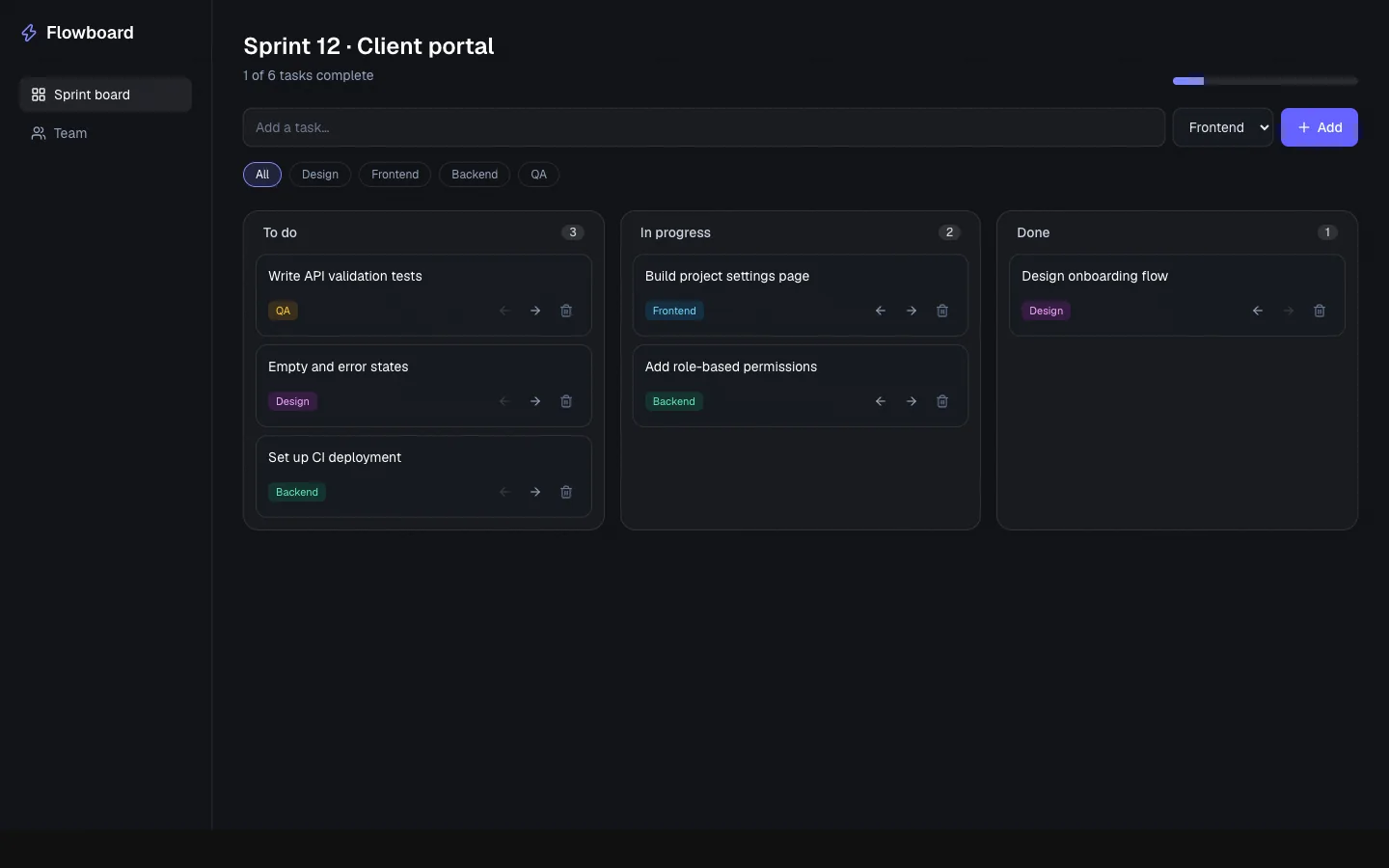
A working sprint-board app: add, filter, move and delete tasks.
01Overview
A concept build created to demonstrate full-stack web applications. Flowboard is a fictional brand, so there is no client and no real-world results — it exists to show the design, interaction and engineering approach in a working, clickable site.
02The Challenge
Teams lose track of work when tasks live in scattered lists and chats.
03My Role
Design & development — responsible for planning, building and shipping the product across the interface, backend and data layer.
04The Solution
A focused kanban board with live progress, tag filters and keyboard-accessible controls.
05Key Features
- Add, move and delete tasks
- Tag filters and live progress
- Animated card transitions
- Keyboard-accessible controls
06Technology Stack
- React
- TypeScript
- Framer Motion
- Tailwind CSS
07Development Process
- 1
Define the brief
Chose a realistic scenario for the service and defined what the product needs to do.
- 2
Design the interface
Set a distinct visual direction, type scale and responsive layout.
- 3
Build it
Implemented in React and TypeScript with accessible, keyboard-friendly interactions.
- 4
Polish and test
Checked responsive behaviour, focus states and empty or error states.
08Screens / Visuals
09Lessons Learned
- Application state stays simple when the data model is small and explicit.
- Motion should confirm actions, not decorate them.
- Every icon-only button needs an accessible name.
10Result
A complete, working concept demo you can open and use — built to show the approach, not to claim client results.
Need something similar?
Let's talk about what you're building.